.png?width=860&height=290&name=Screenshot_2025-04-29_at_9.04.55_AM-removebg-preview%20(1).png)
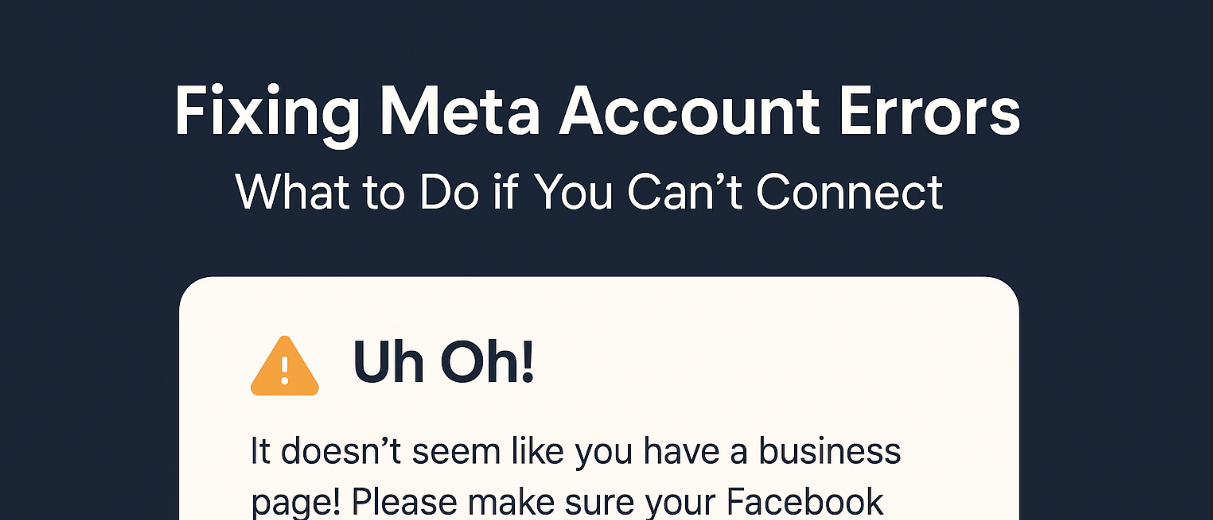

Fixing Meta Account Errors – What to Do if You Can’t Connect

Ricardo Rozo
Level: Beginner | Time: 6–10 minutes
If you tried to connect your Meta account in Samson-AI and saw this message:
Uh Oh!
It doesn't seem like you have a business page! Please make sure your Facebook profile has access to it or view this troubleshooting guide.
Don't panic. This usually means one of two things:
-
You don’t have a Meta Business Account, or
-
You don’t have full admin access to the Page or Ad Account.
This blog will walk you through both cases — step by step.
🧱 What Is a Meta Business Account?
A Meta Business Account (also called Business Manager) is Facebook’s tool that lets you:
-
Manage Pages, Ad Accounts, and Pixels
-
Assign permissions to yourself or teammates
-
Connect your brand to tools like Samson-AI
📌 You must have this set up to run ads through Samson.
🛠 Step-by-Step: How to Create a Meta Business Account
1. Go to Meta’s Business Manager
You’ll log in with your personal Facebook account — this is normal.
2. Click “Create Account”
-
Find the “Create Account” button in the top-right corner.
-
Add:
-
Your business name (or brand name)
-
Your name
-
Your business email
-
Click Submit.
3. Add Your Facebook Page
Now that your Business Manager exists, it’s time to connect your Page.
-
In the left menu, go to:
🔧 Business Settings > Pages -
Click:
-
Add > Add a Page
-
Choose from existing Pages linked to your Facebook profile
-
If you don’t see it, you may need to request access or create a new Page
-
4. Make Sure You’re the Admin
Still in Business Settings, go to:
-
People > Your Name
-
Check that your role is Admin or Full Access
🧠 If your role is only "Employee" or "View Only", Samson-AI won’t work.
If you’re not the Admin, ask the person who owns the Page or Business Manager to:
-
Go to Business Settings > People
-
Click your name
-
Enable Full Control
-
Save
🔍 Common Situations and How to Fix Them
| Problem | Fix |
|---|---|
| You see the “Uh Oh!” error | Create a Meta Business Account and follow the steps above |
| You have a Page but no Business Manager | Go to Meta and add your Page to a new Business |
| You’re not the Admin | Ask the Admin to upgrade your permissions in Meta |
| Someone else in your team created the account | Ask them to add you as Admin under People settings |
👩💻 Real-World Example
Let’s say your assistant or marketing employee signed up for Samson-AI, but they only have view access to the Meta Page. That person won’t be able to link anything. In this case, a full Admin must connect the Meta Business Account to Samson-AI — or they must upgrade the assistant’s access to Admin level inside Meta.
🧑🏫 Bonus: What If You Don’t Even Have a Page?
You can create one quickly:
-
Go to Create a Facebook Page
-
Follow the simple instructions
-
After it’s live, follow the steps above to add it to your Meta Business Manager
💬 Still Need Help?
We’ve got you covered:
-
Book a 1-on-1 support call
👉 Schedule Help on Calendly -
Message us on WhatsApp
📲 +1 289 707 2546
✍️ Recap Checklist
✅ I created a Meta Business Account
✅ I added my Facebook Page to the business
✅ I made sure I have full Admin access
✅ I’m ready to go back and try again on Samson-AI